iOS 27 AI on iPhone: seven practical features arriving beyond the Siri upgrade

Apple's WWDC 2026 keynote led with Siri's AI overhaul — but the day-to-day impact of iOS 27 will be quieter and elsewhere. TechCrunch's roundup picks out the seven features beyond the headline keynote item that most users will touch every day.
First on the list is Summarize and Expand inside Notes. Paste a long block — a meeting transcript, an article, a thread of email — and a tap from the menu turns it into a three-to-five-line summary. Conversely, a short draft can be expanded for a presentation. Everything runs on device, with no network call, using a compact LLM model that ships with iOS 27 and is tuned for Apple Silicon's Neural Engine.
Second: context-aware Smart Replies in Messages. Previous suggestions ignored conversation history. iOS 27 reads up to the last 20 messages as context and can compose multi-sentence replies — accepting an invitation, proposing a time, softening tone. There is a notable trade-off: Smart Replies are off by default for under-18 accounts and gated through Family Sharing.
Third: real-time conversation mode in Translate. Set the phone on the table and the screen renders each sentence in the other language live as it is spoken. Google's Pixel has shipped Live Translate for years; Apple has openly acknowledged catching up. Eighteen languages are supported at launch, including Turkish.
Fourth: Health Summary inside the Health app. It pulls the last 30 days of sleep, steps, heart-rate variability and other measurements into a two-paragraph natural-language summary. Apple is explicit that this does not substitute for medical advice — it is framed as a talking-point briefing for an appointment.
Fifth: Story Studio in Memories. Pick a photo collection and the app builds a short slideshow with auto-synced music, transitions and captions. The earlier auto-Memories feature already did this; the new module makes the choices feel intentional rather than templated. The whole pipeline runs offline; nothing leaves the device.
Sixth: natural-language parsing in Reminders. Type "call Mehmet next Sunday and remind me again Wednesday" and the app parses the contact, the timestamp, the recurrence and the assigned list without diving into menus. It is a small change that removes a remarkable amount of friction across a day.
Seventh: Visual Intelligence. Hold the phone up to an object, restaurant, street sign or plant and ask "what is this?" The hardware Camera Control button on iPhone 15 Pro and newer triggers it directly. Most queries resolve on device; deeper queries can optionally route through ChatGPT integration.
On privacy, Apple has extended Private Cloud Compute across iOS 27. Queries that cannot run on device are sent over encrypted channels to dedicated Apple servers that do not log the user's identity. Apple has opened code-signing inspection of those servers to independent security researchers — the first time it has done so at this scale.
Gaps remain. Apple Intelligence still requires iPhone 15 Pro or newer — that is the A17 Pro chip or later; iPhone 14 and older users will not get most of the new AI features. In the European Union, ChatGPT integration will arrive in a delayed wave to comply with Digital Markets Act requirements. And in non-English languages, including Turkish, a subset of features will land later in the year.
Overall, the framing matters: iOS 27's Siri spotlight is real but not the most consequential change. The day-to-day improvement comes from many tiny pieces of help layered into the apps you already open. Highest-impact among them: Notes Summarize, Messages Smart Replies and the new Reminders parser — all things that let the phone do more without you ever having to think about whether to call Siri.
Read next

What is YOLO26? A practical introduction to the real-time object-detection model
YOLO26, the latest version in the YOLO family, has set a new reference point for the real-time computer-vision community. A comprehensive introduction from Roboflow covers the new architecture, ease of training and real-world applications in depth.

AI chipmaker Groq raises $650M and re-staffs: what Nvidia's $20B 'not-acqui-hire' deal means
AI inference chip specialist Groq has confirmed a $650 million funding round after losing part of its core engineering team to Nvidia. The deal structure highlights the semiconductor sector's new «not-acqui-hire» era.

AMD reinstates memory encryption in consumer CPUs after user backlash
AMD said it would reinstate transparent memory encryption on its latest Ryzen 9000 processors via a microcode update, after a campaign by security researchers and users. The decision could set up a race with Intel's comparable Total Memory Encryption feature.
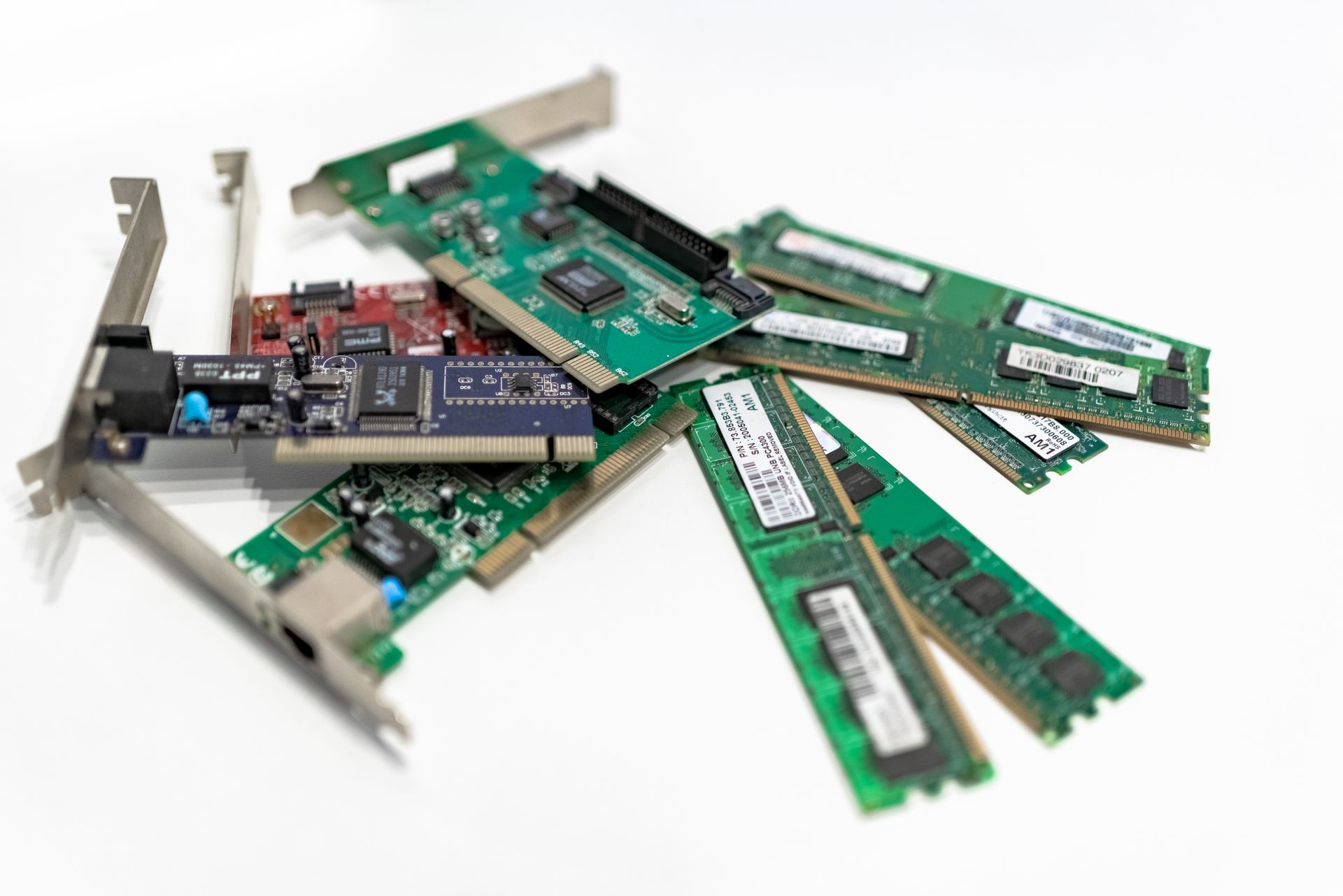
What is the 2026 RAM crisis? Valve describes how brutal memory negotiations have become
Squeezed by AI data-centre demand, the global memory market is pushing up the cost of everything from game consoles to smartphones. Valve's account to Steam Machine manufacturers shows that bargaining for DRAM and NAND in 2026 feels «like a heist operation».

Tech layoffs in 2026 where employers cited AI: a running list of the biggest cuts
TechCrunch is maintaining a running list of major tech-sector layoffs in 2026 with a common stated reason: artificial intelligence. According to the data, 78,000 tech workers in the first six months of the year lost their jobs in the same week their employer announced AI-driven productivity gains.
